
How to Improve AI Chatbot Accuracy (2026 Guide)
How to Improve AI Chatbot Accuracy (2026 Guide)
If your company recently launched an AI customer support chatbot, you might be looking at your dashboard and seeing lots of automated conversations. But wait—why isn't the total number of support tickets going down? Why aren't your customer satisfaction scores improving?
When you check the chat logs, the problem becomes clear: the bot is confidently giving out the wrong information. For example, it might tell a customer about a return policy that you updated months ago.
Today, poor AI chatbot accuracy is the number one reason customers get frustrated. They don't mind talking to a bot, but they hate getting the wrong answer. A wrong answer means they have to reach out again, creating more work for everyone.
The good news? This isn't a problem with the AI technology itself. It is a problem with the rules, data, and maintenance you give it. An AI customer support agent only knows what you teach it.
This guide will show you exactly how to improve your AI chatbot's accuracy using simple, practical steps. You don't need a team of engineers to fix this.
Why Accuracy Matters More Than Speed
When teams build a bot, they usually focus on speed: how fast it replies and how fast it closes a ticket. Speed is great, but only if the answer is completely correct.
A fast but wrong answer is worse than a slow but right one. If your bot gives incorrect information, the customer has to reach out again. A human agent now has to fix the confusion. Instead of saving time, the bad answer created double the work. A bad answer also hurts your true containment rate (the percentage of tickets solved without human help).
Businesses that actually save money with AI support are the ones that prioritize accuracy over everything else.
Why Your Chatbot Is Less Accurate Than You Think
Before we fix the problem, we need to understand why bots make mistakes. Here are the most common reasons:
Hallucinations: This is when the bot simply invents an answer because it doesn't know what to say. Thankfully, with the right boundaries in place, this is actually the easiest problem to fix.
Knowledge Base Rot: This is the most common issue. Your bot was perfect on launch day. But since then, you updated prices, added new features, or changed rules without updating the bot's training data. Now, the bot is telling the truth from six months ago—which is wrong today.
Misreading the Question: A customer asks, "Can I return this if I opened the box?" The bot sees the word "return," finds your general policy, and says, "Yes, returns are allowed within 30 days." However, an opened box might not qualify. The bot found the right document but gave the wrong specific answer.
Missing Integrations: If a customer asks, "Where is my order?", the bot can't give a real answer unless it's connected to your live order system. Without that connection, it can only give a generic, unhelpful guess.
Step 1: Audit Your Current Failure Rate
Don't just look at how many chats the bot handled. A bot that confidently lies and never transfers the chat to a human might look successful on paper, but its accuracy is terrible. This false success is known as a bad deflection rate.
To see the real accuracy score, look at:
- Repeat contacts: If a customer comes back 48 hours after chatting with the bot, the bot probably didn't help them.
- Customer scores (CSAT): Look only at the scores for chats handled purely by the bot. Are they much lower than your human agent scores?
- Unanswered questions: Look at the log of questions the bot didn't know how to answer. This is a goldmine for fixing your bot.
- Abandoned chats: Did the customer open the chat, read the bot's first reply, and instantly close the window?
Step 2: Build a Clean Knowledge Base
The most crucial factor for AI chatbot accuracy is the data you feed it. If your help articles are outdated, messy, or contradict each other, your bot will be confused.
Review everything your chatbot uses to learn:
- Currency: Is all the information valid today?
- Consistency: Do two different articles give two different answers to the same question?
- Structure: Are your documents easy to read? Short paragraphs, bullet points, and clearly labeled FAQ sections are much easier for AI to understand than long, rambling text.
Instead of guessing what to teach the bot, look at your actual support tickets from the last six months. See exactly how customers phrase their problems and train your bot on realistic scenarios. And remember: never train your bot on marketing pages! Marketing language is designed to sell, not to provide clear support answers.
Step 3: Implement Retrieval-Augmented Generation (RAG)
Retrieval-Augmented Generation (or RAG) is a big technical term for a simple concept: it stops your AI from guessing.
Instead of letting the bot rely on its general internet knowledge, RAG forces the bot to look inside your specific company documents first. It finds the exact policy or facts, and then writes its answer based only on that verified information.
Using a RAG architecture is one of the best ways to instantly boost your chatbot accuracy because it guarantees the bot is reading from your official rulebook.
Step 4: Connect to Your Live Systems
Good training documents solve policy questions. But to answer personal questions like, "Why did my credit card decline?" or "What is my shipping status?", your bot needs to be connected to your live systems.
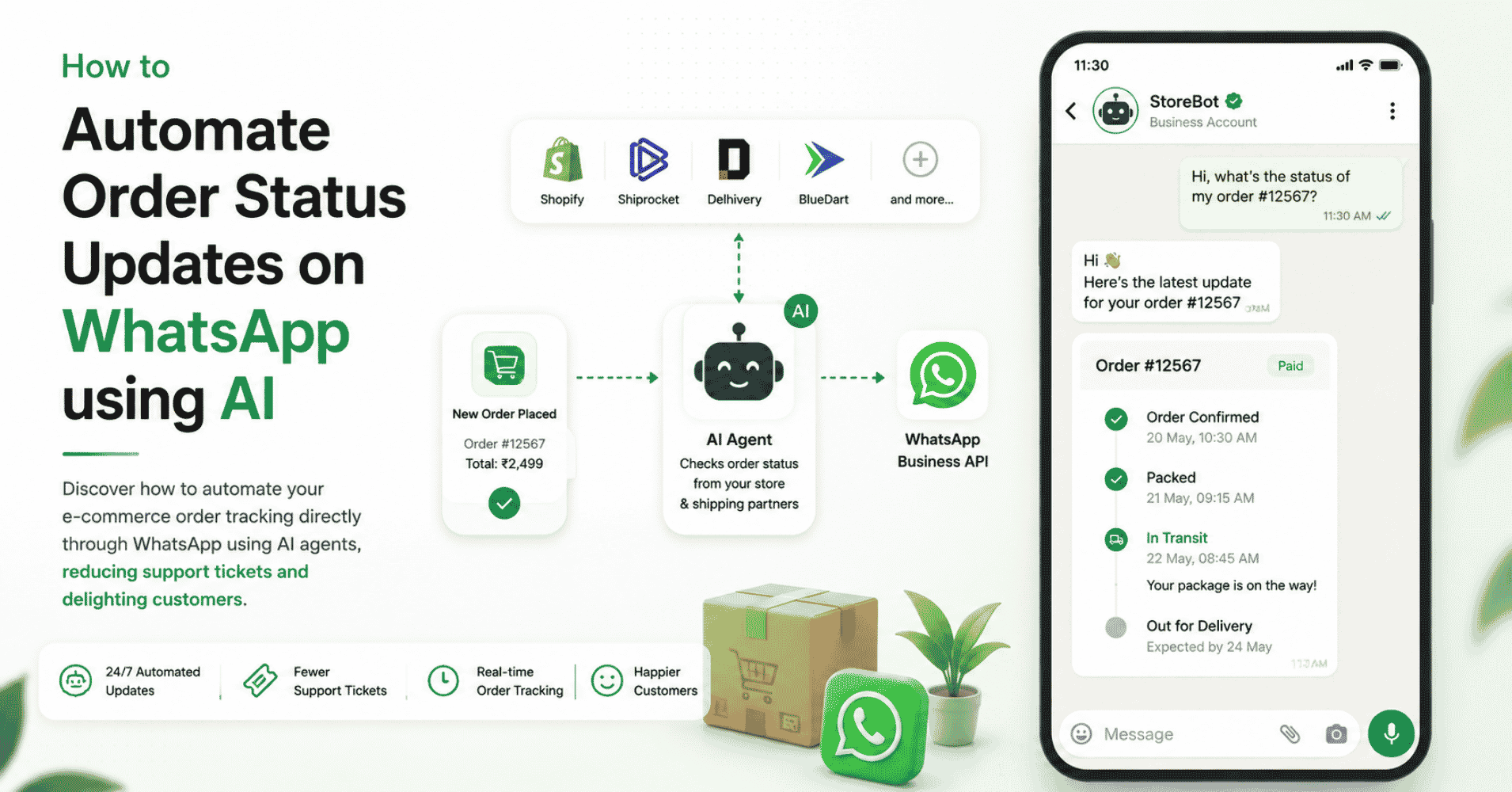
By hooking your bot up to Shopify, Stripe, your CRM, or your helpdesk, the bot can look up the customer's unique account details in real-time. Without these live connections, the bot is forced to give generic, frustrating, unhelpful answers. Connect the tools, and accuracy skyrockets.
Step 5: Set Boundaries for Your AI
If a customer asks a bot an impossible question, the bot might panic and invent an answer to be "helpful." This leads to hallucinations.
You must set strict boundaries. Tell your bot exactly what topics it is allowed to discuss (like returns, pricing, and order status). More importantly, tell it what it cannot discuss (like medical advice, legal guarantees, or complex business discounts).
Require your bot to cite its source, and train it to say, "I don't know the answer to that," if it cannot find the information in your official documents.
Step 6: Configure Smart Escalation Rules
A bot that admits it is confused and politely transfers the customer to a human is a good bot. A bot that invents a wrong answer to avoid transferring the customer is a bad bot.
Set rules so the bot hands the chat to a human if:
- It is not confident in its answer.
- The customer is asking a high-risk question (like a billing dispute).
- The customer is getting frustrated (using sentiment analysis).
- The bot is going in circles repeating the same answer.
Step 7: Test with Real Customer Questions
Don't test your bot using perfect grammar and generic questions. Customers use slang, make typos, and write confusing half-sentences.
To test your AI chatbot accuracy, pull 100 random first messages from real past support tickets. Run them through your bot. It will probably breeze through simple questions but struggle with complicated complaints. Testing with real-world messiness tells you exactly what to fix.
Step 8: Optimize for Different Channels
A customer chatting on your website will act differently than a customer texting you on WhatsApp or Instagram. Text messages might be shorter, full of emojis, or use voice-to-text. Your chatbot needs to understand these different communication styles. Make sure your bot is tested across every multi-channel platform you use.
Step 9: Make Accuracy an Ongoing Routine
Your business changes every week; your AI should too. Don't just launch your bot and abandon it. Build a routine:
- Weekly: Look at the "unanswered questions" log and add simple Q&A pairs to solve those gaps.
- Monthly: Review what changed in your company (new prices, updated policies, new products) and update the bot's documents.
- Ask your agents: Have your human support team flag whenever the bot escalates a chat it should have known how to handle.
The Accuracy Benchmark to Aim For
What is a good score? Aim for your AI customer support chatbot to solve 85% to 95% of standard questions correctly without human help.
If your human agents are rated significantly higher than your bot, there is room for improvement. But by consistently feeding your bot clean data, updating its rules, and checking its progress, you can turn a frustrating chatbot into a highly accurate, beloved support assistant.
Start Automating Conversations with AI
AI voice agents and chatbots are completely changing the way modern companies support their customers.
Instead of making customers wait on hold or dig through confusing menus, they can simply type their issue and get an instant, correct answer.
AI voice and text agents help companies:
- Automatically handle repetitive customer questions
- Provide fast, 24/7 service around the world
- Reduce support costs
- Let human teams focus on tricky issues
- Improve the customer experience
For businesses wanting to upgrade their customer communication across websites, WhatsApp, and social media, Chatzy AI makes it easy to build powerful conversational AI systems.
By securely training the AI with your own website content and rulebooks, you can deploy a smart agent that keeps your customers happy and accurate.
Learn more:
FAQ
Q: What is a good accuracy rate for an AI customer support chatbot?
A: A well-built AI chatbot should hit 85% to 95% accuracy for basic, factual questions. If it drops below 80%, you will likely see frustrated customers and too many escalations to human agents.
Q: How do I know if my chatbot's accuracy problem is a training data issue or an integration issue?
A: Look at the questions it gets wrong. If it's failing on general policies, you need better training data. If it fails when asked about order tracking or specific billing info, you need to set up live system integrations.
Q: What causes AI chatbot hallucinations in customer support?
A: Hallucinations usually happen when the bot doesn't have the right documents to pull from, or its boundaries are too loose. Using a RAG system and forcing the bot to admit when it's unsure can cut hallucinations drastically.
Q: How do you measure AI chatbot performance for customer support?
A: Don't just look at how many chats it intercepted. Track if the customer returns within 48 hours, monitor CSAT (customer satisfaction scores) strictly for AI chats, and watch your chatbot's "unanswered questions" log.
Q: Can AI chatbots handle complex customer support questions accurately?
A: Yes, but it requires great data. Still, it's often best to let bots handle the top 80% of simple and repetitive questions, and automatically escalate the highly complex, emotional, or multi-step questions to a human agent.
Q: How do I handle questions where the answer depends on who the customer is?
A: Your chatbot needs to be connected to your CRM or order system (like Shopify or Salesforce). This lets the bot securely check the customer's account status and give a deeply personalized, highly accurate answer.