
How to Build a Custom AI Chatbot Trained on Your Own Data
How to Build a Custom AI Chatbot Trained on Your Own Data
The era of generic AI responses is over. If a customer visits your website or messages your WhatsApp business number, they don't want to talk to a standard AI model that knows general world trivia. They want to talk to an AI that knows your business inside and out. They want to know your specific return policy, how to troubleshoot your specific product, and what your store hours are. To provide this level of personalized service, you need to build a custom AI chatbot trained exclusively on your own data. In the past, doing this required a team of machine learning engineers and months of development. Today, thanks to no-code AI platforms, you can train an intelligent chatbot on your PDFs, blog articles, and website URLs in a matter of minutes. In this guide, we will walk you through exactly how to do it.
Why Train AI on Your Own Data?
Out-of-the-box AI models like ChatGPT are incredibly smart, but they suffer from a major flaw when used for customer service: hallucination. If an AI doesn't know the exact answer to a customer's question about your product, it might confidently invent an answer that is completely wrong. By training a custom AI chatbot on your own data using a technology called Retrieval-Augmented Generation (RAG), you put strict guardrails around the AI. When a user asks a question, the AI searches your uploaded documents first, retrieves the factual information, and then formulates a natural, conversational response. This ensures 100% accuracy, maintains brand consistency, and provides a massive boost to customer satisfaction.
Step-by-Step: Building Your Custom AI Chatbot
You do not need to know how to code to build a robust custom AI chatbot. Here is the straightforward process using a modern no-code AI platform.
Step 1: Gather Your Knowledge Base
Before logging into any software, gather the data that represents your company's brain. The more comprehensive your data, the smarter your chatbot will be. Common data sources include:
- Website URLs and sitemaps
- Blog articles and help center documentation
- PDFs of product manuals or return policies
- Word documents containing internal company FAQs
- Text files of past customer support transcripts
Step 2: Upload and Train the AI
Sign up for a platform that supports custom data training (such as Chatzy AI). In your dashboard, you will find a "Knowledge Base" or "Data Sources" section. Simply upload your PDFs and paste your website URLs. The platform will automatically scrape the text, break it down into manageable chunks, and convert it into a vector database that the AI can instantly search. This "training" process usually takes less than five minutes.
Step 3: Customize the Bot's Personality
A custom AI chatbot should sound like it belongs to your brand. In the settings, you can define the bot's system prompt or base instructions. For example, you might tell it: "You are a helpful and polite customer support agent for Acme Corp. Always answer questions based strictly on the uploaded data. If you do not know the answer, politely ask the user to leave their email address so a human can follow up."
Step 4: Test in the Playground
Never deploy a chatbot without testing it first. Use the platform's built-in sandbox or playground to ask the bot difficult questions. If it gives an incomplete answer, you instantly know that you need to upload more data or tweak your instructions.
Step 5: Deploy Across Multiple Channels
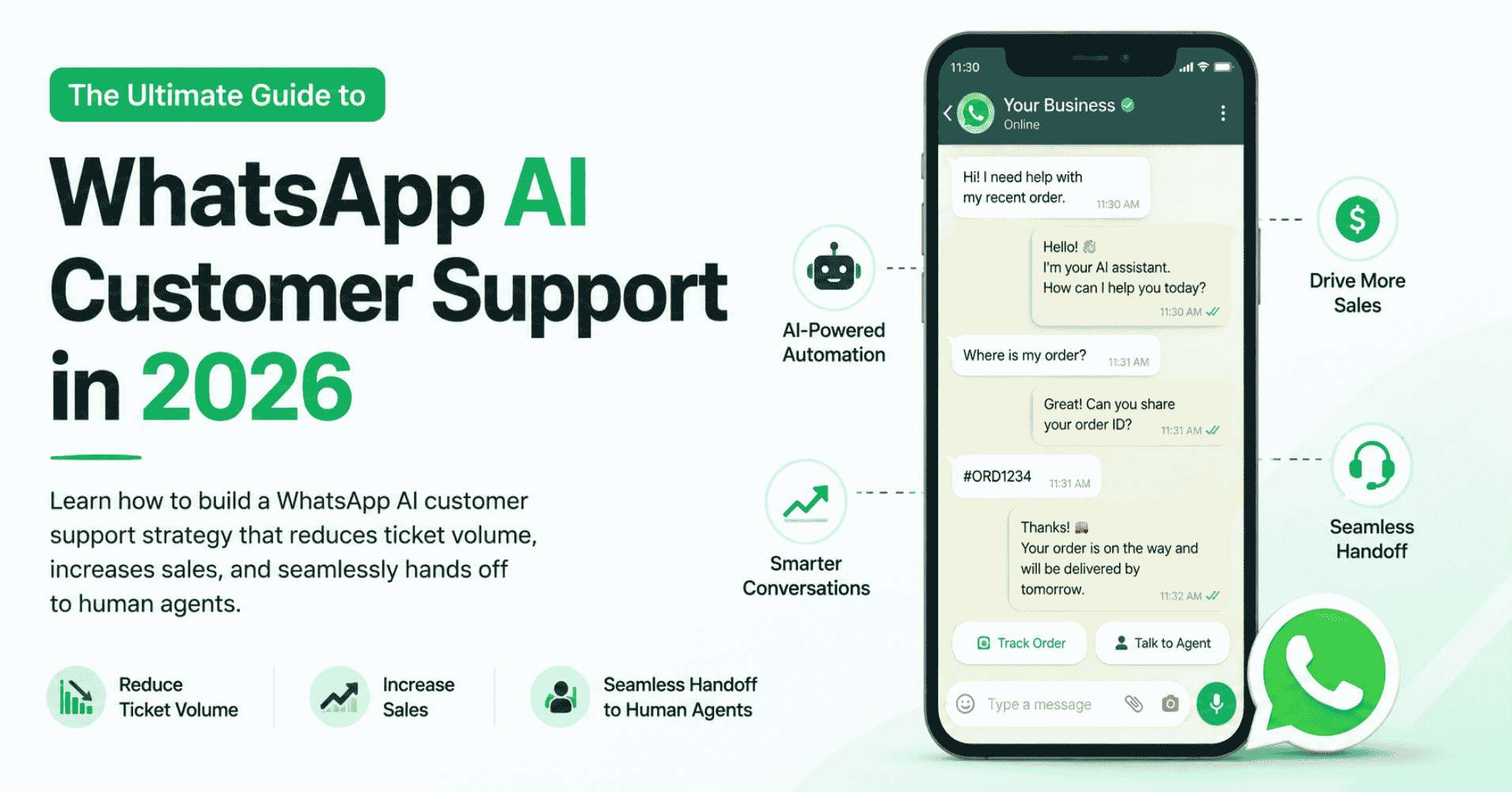
Many platforms (like Chatbase) only allow you to deploy your chatbot as a little widget in the corner of your website. While this is helpful, it is severely limiting. To achieve maximum ROI, you should deploy your custom AI chatbot across omnichannel platforms. With the right provider, that exact same trained "brain" can be deployed to your website, but also connected directly to your WhatsApp Business number, your Instagram DMs, and even a voice phone number.
The Chatzy Advantage vs Legacy Website Bots
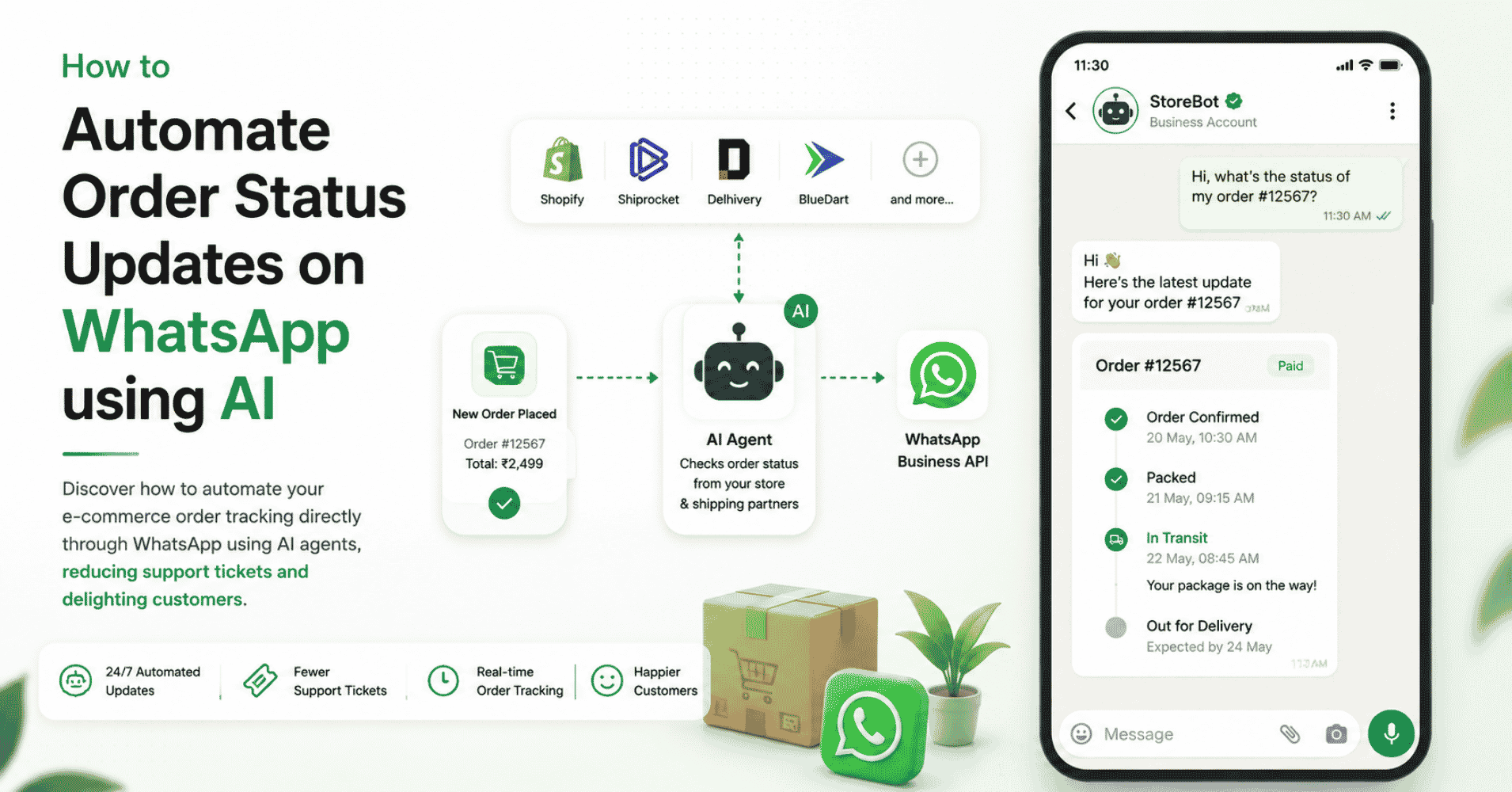
While there are many tools available to build a simple custom AI chatbot for your website, modern businesses require more than just a widget. When you use an agentic platform, your custom AI doesn't just read data—it takes action. It can authenticate users, check order statuses via APIs, and seamlessly hand off the conversation to a human agent when a customer gets frustrated.
Start Automating Conversations with AI
Building a custom AI chatbot trained on your own data is the fastest way to scale your customer support without linearly scaling your headcount. AI automation helps marketing and support teams:
- Provide instant, 24/7 answers based strictly on company data
- Eliminate AI hallucinations through secure RAG technology
- Deploy no-code AI chatbots in minutes instead of months
- Reduce support ticket volume by automating repetitive FAQs
- Free up human agents to handle complex, high-value interactions For businesses looking to effortlessly build a custom AI chatbot and deploy it across their website, WhatsApp, and social media, Chatzy AI is the premier platform. By simply uploading your URLs and PDFs, you can train a brilliant conversational AI that accurately represents your brand across every customer touchpoint. Learn more: https://chatzy.ai
Frequently Asked Questions (FAQ)
Do I need coding experience to build a custom AI chatbot?
No. Modern AI platforms provide visual, no-code interfaces where you simply upload your documents or paste your website URLs to train the AI.
What happens if I update a blog article on my website?
Most platforms offer an auto-sync or one-click retrain feature. When you update a URL on your website, the AI will re-read the page and instantly update its knowledge base.
Can the custom AI chatbot access my internal databases?
Yes. While you can upload static PDFs, advanced platforms also allow you to connect the chatbot to your CRM or internal databases using APIs, enabling the AI to pull dynamic, real-time data for the customer.
Is my uploaded data kept secure and private?
Reputable enterprise AI platforms ensure that your uploaded proprietary data is kept in an isolated vector database and is never used to train public AI models. Always check your provider's privacy policy.